
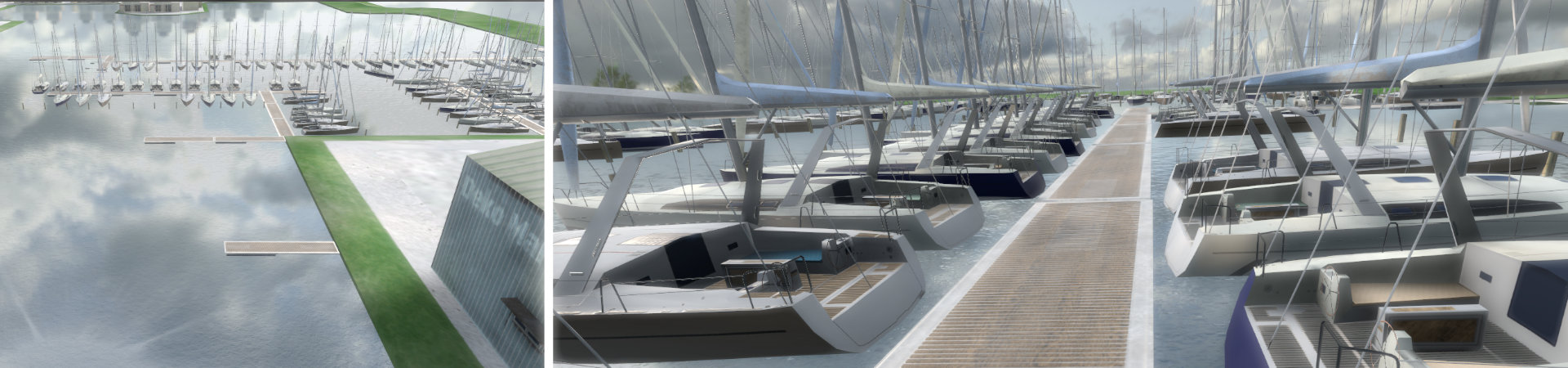
Co-Location of the RX Console
Purppose of co-location is to overlay virtual with real world. Propper co-location is key to using the simulator console. Poor co-location will result in a substantial offset between virtual and real steering wheel and throttle. Bad co-location can also cause a complete miss-alignment between helm orientation and virtual yacht orientation. Typically poor co-location causes trainees to repeatedly search for the thrust lever or the steering wheel. When you observe this behavior you should check and refreh co-location.
The accuracy of the overlay can decrease over time due to various reaons, such as:
- Movements/rotations of the console in space (even very small ones).
- Change in geometry between the console and the Lighthouse transmitters (e.g. if they are moved).
- Bad arrangement or temporary coverage between HMD and Lighthouse transmitters (this can cause e.g. a 'drift' in tracking).
- Tracking drift
Note: Co-location will only be triggered when the co-location controller is:
- Turned on
- Not in standby
- Visible (and moving) in VR
The co-location procedure for HTC FOCUS VISION
Switch on the left hand controller. Place it in the Focus Vision mount and slide mont with inserted controller to the front side of the thrust lever housing until they lock. Press the [q] key, to trigger the co-location update.
The co-location procedure for HTC VIVE PRO2:
Note: Since Version 5.4.10 only the left-hand side controller is assigned as co-location controller. Due to the missing handedness of the VIVE PRO controllers, this introduces is a small flaw into the co-location routine for PRO2 systems. StreamVR assigns handedness according to the sequence controllers are switched on. The irst controller that is switched on, will become the right hand controller. The controller that is switched on second, will become the left hand controller. Note that this can cause the reported handedness to change, i case the (initially) right hand side controller is turned off and then on again. As in this case it will be assigned as left hand side controller (and the former left will become right).
In usure which controller in charge for co-location you can check that the white anchor symbols (see VR Controller for a screenshot) are displayed.
The recommended co-location procedure for VIVE PRO systems is:
- Turn on both controllers sequentially(!) using the power button.
- Next, check that both controllers are visible in the VR headset.
- The controller switched on last, is the co-location contrller. Verify this by checking the white anchor symbols (version < 5.5) or orange dot (version >= 5.5) being displayed on the device in VR.
- Place this controller on top of the thrust lever housing (as shown in the following illustration).
The controller should be positioned on the outer right edge of the throttle console (you can easily check this with your fingertip). In addition, the front of the controller must be flush with the throttle console. - Finally, press the [q] key, to trigger the co-location update. (Make sure the the simulator window has focus when not using the full-screen mode.)
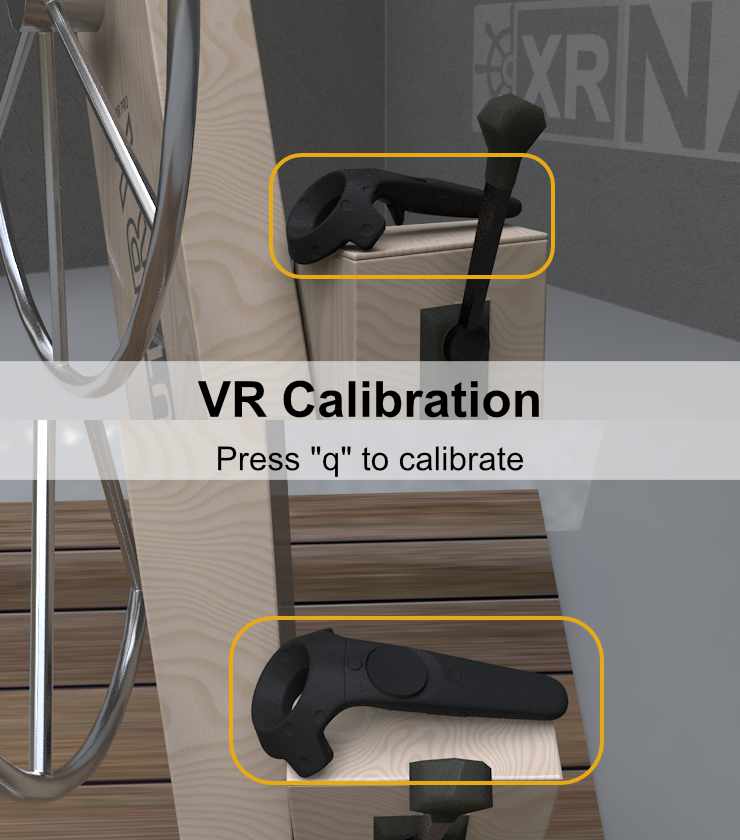
Animation: Positioning of the controller for calibration
Tipp: If you like to turn off the controllers after co-location, switch them off both. Repeat the power on sequence for reliable assignment of the co-location controller.